 Oryntero
Our work
These are independent demo projects that we've built and tested in n8n using fictional data. We don't have client projects to show yet. When we do, they'll appear here, with the client's permission.
Customer Enquiry Management
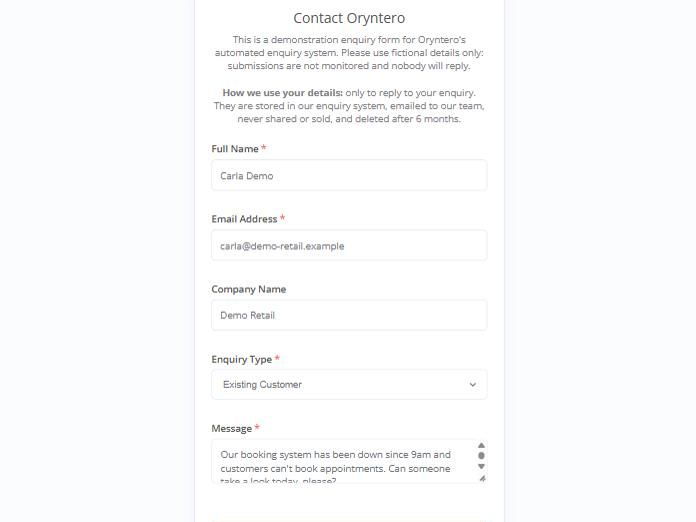
A website enquiry form connected to an n8n workflow. Every enquiry is checked, sorted by type, given a priority with the reason recorded, saved with a reference number and sent to the team as a clear email alert. The customer only sees "thank you" once the enquiry has really been saved.
What it does
- Checks required fields and email addresses, with friendly error messages
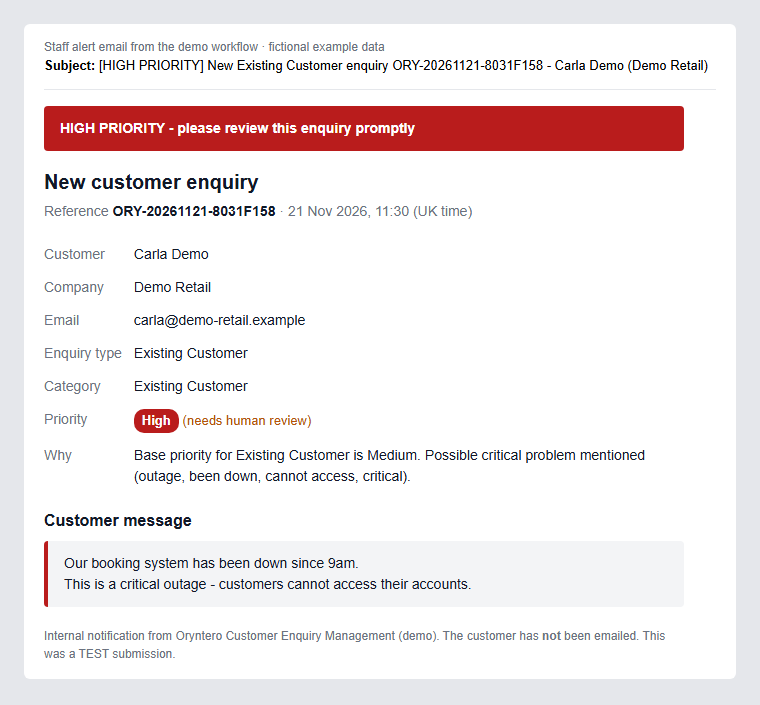
- Sorts each enquiry by type and gives it a Low, Medium or High priority using rules (not AI), with the reason recorded
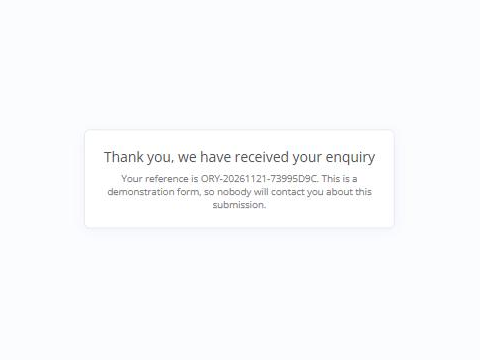
- Creates a unique reference number and shows it to the customer
- Saves the enquiry, then checks it really was saved before saying "thank you"
- Emails the team, with urgent enquiries clearly marked
How it was tested
- Valid and invalid submissions, and urgent and "not urgent" wording
- Duplicate reference numbers and a simulated storage failure
- A real staff email send
- HTML and script typed into the form, which was safely neutralised
Appointment Booking & Reminders
A three-part booking system built in n8n for a fictional cleaning business. It covers online booking that only offers free times, customer self-service for cancelling and rescheduling, and automatic reminders. It can also sync with Google Calendar.
What it does
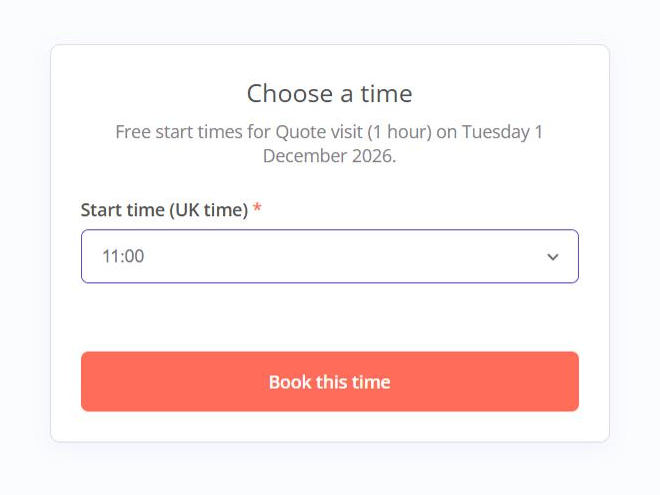
- A two-step booking form: details and date first, then a choice of only the times still free. Services can have different lengths.
- Checks the time again just before saving, to prevent double bookings
- A confirmation page and email with a unique reference number
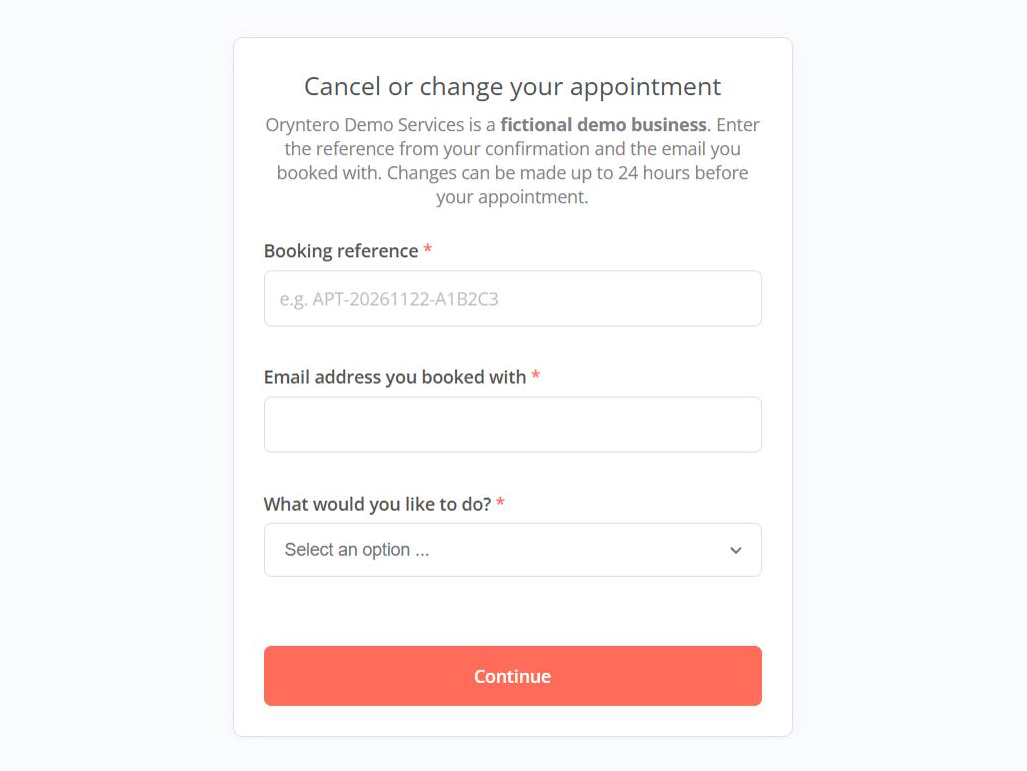
- Customers can cancel or move their own booking up to 24 hours before, and the freed slot becomes available straight away
- One reminder email the day before, and the team is alerted if an email fails
- Staff alerts for new bookings and changes, plus a morning list of the day's appointments
- Google Calendar sync: busy calendar time (holidays, phone bookings, staff blocks) is hidden from the booking form; all-day events close the day, and events marked "Free" are ignored
- Bookings create calendar events, cancellations delete them and reschedules move them. Customers are never sent Google invites, and if the calendar can't be updated, the booking is kept and the owner is alerted
- Opening hours, services, notice period and booking window are easy to change
How it was tested
- Booking, overlapping times, a fully booked day and weekend dates
- Cancelling, rescheduling, and a wrong email address being refused
- The reminder run and the daily staff summary
- Google Calendar sync: 9 tests with simulated calendar data, then a live test with a real Google Calendar (a fictional booking was created, moved and cancelled, and busy time was blocked)
- HTML typed into names and notes, which was safely neutralised
Testing found two bugs, both fixed before sign-off: a date-format check after rescheduling, and the order in which reminder results were recorded.
Reminders are by email. Google Calendar sync has been tested live with a real Google Calendar, but the booking system itself is an unpublished demo with no customers. Text-message reminders and Outlook, Microsoft 365 or Cal.com calendars aren't part of this demo.
Quote Follow-up Chaser
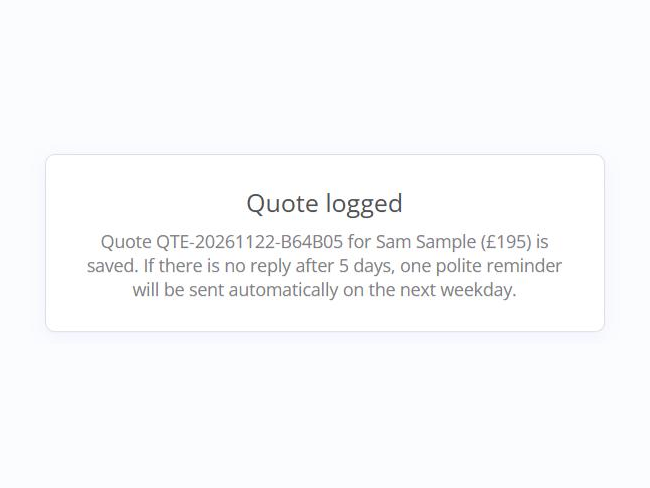
A three-part quote system built in n8n for a fictional cleaning business: staff log each quote, the customer can accept or decline it online, and quotes with no reply get one polite automatic reminder. Every open quote gets that one reminder and appears on the staff list.
What it does
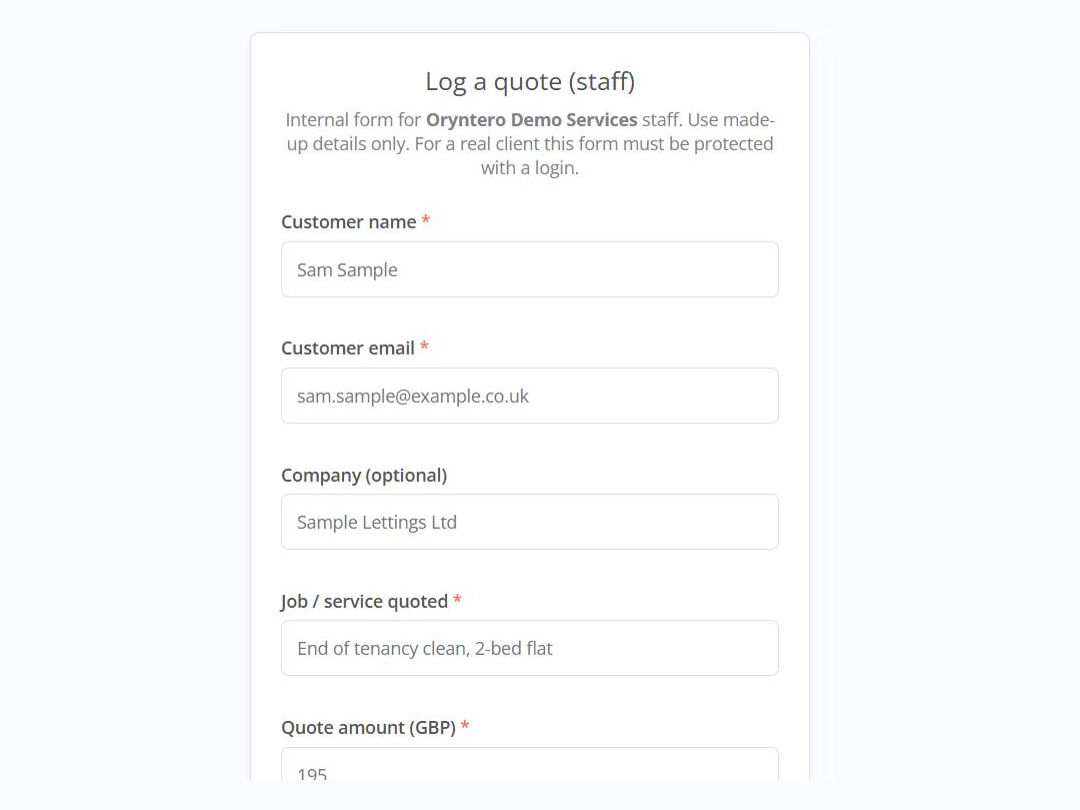
- A staff form logs each quote (customer, job, price and how long it's valid) with a unique reference, and the save is confirmed before anything is sent
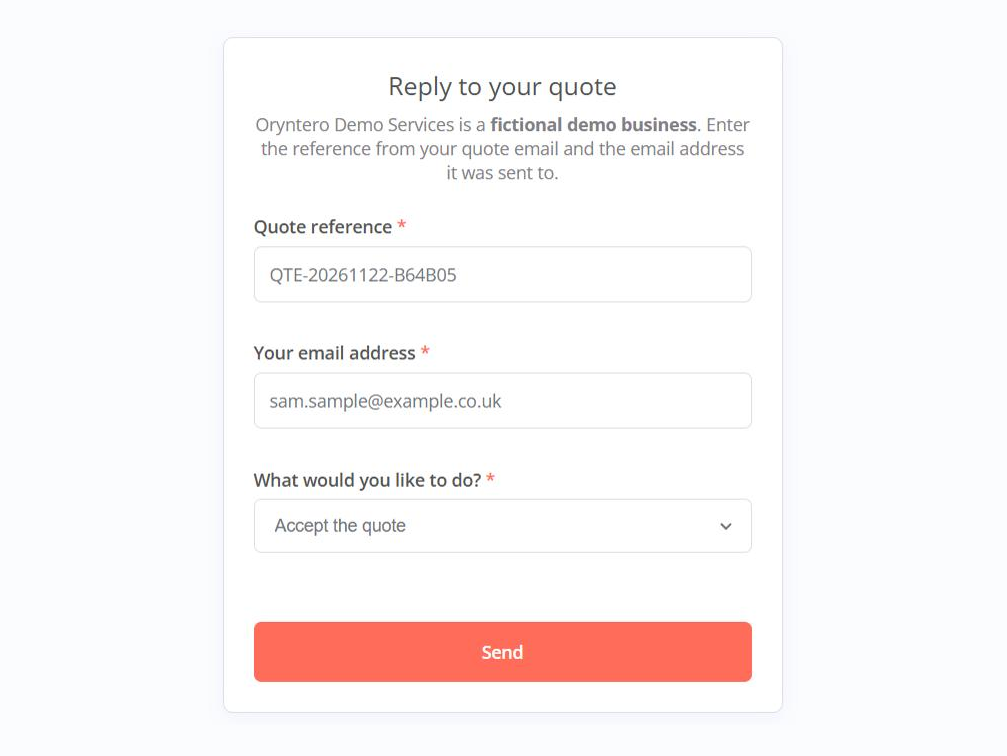
- The customer can accept, decline or stop reminder emails online, using their reference and email address
- A weekday check sends one reminder for quotes with no reply after 5 days that are still valid and haven't been opted out. Nobody is chased twice
- Staff are alerted as soon as a quote is accepted
- A morning summary lists customers to phone, expired quotes and quotes still waiting
- Rule-based throughout, with no AI
How it was tested
- 10 tests with fictional data
- Tested end to end in a real browser: staff logged a quote, and the customer accepted it from the email link
- Logging valid and invalid quotes, and a customer who opted out
- A reminder run over 7 quotes, which reminded only the 2 that were due, then a second run that reminded nobody
- Accepting, stopping reminders, a wrong email address and an expired quote
Built with the UK email rules in mind
Designed around the UK rules for marketing emails (PECR): customers can opt out of reminders when they ask for a quote, every reminder includes an opt-out, and only one reminder is sent. Customer text is made safe in every email, and failures alert the owner. Automatic deletion of quotes after 6 months has been built and is waiting to be switched on.
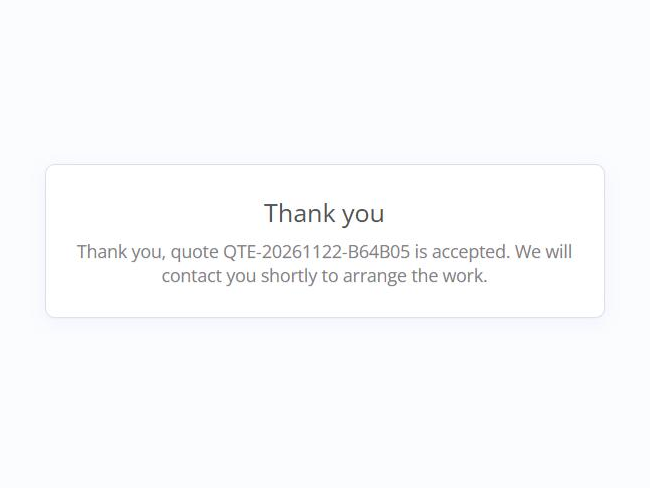
This is an unpublished demo with no customers. Reminders are by email only.
Invoice & Payment Reminders
A three-part invoicing helper built in n8n for a fictional cleaning business: staff log invoices, polite payment reminders go out automatically until an invoice is marked paid, and each weekday morning staff get a "money owed" summary.
What it does
- A staff form logs each invoice (customer, amount and payment terms) with an invoice number, and the save is confirmed before anything is sent
- Up to 4 friendly reminders: 3 days before it's due, then 1, 7 and 14 days overdue, always at least 3 days apart
- Staff mark an invoice paid, cancelled or disputed with one form. Reminders stop or pause straight away, and resume when a dispute is sorted
- A morning "money owed" summary: the total overdue, who to call, disputed invoices and what's due soon
- For business customers, staff are shown the fixed late-payment compensation they may be able to claim. Nothing is ever added to a bill automatically
- Rule-based throughout, with no AI
How it was tested
- 13 tests with fictional data, including a real browser test: an invoice was logged, then marked paid
- The reminder schedule over 11 invoices at different stages
- Business and consumer wording
- Paid, disputed, resumed and refused changes, and the money-owed summary
Testing found one bug, which was fixed before sign-off.
Designed with UK rules in mind
Reminders are polite service messages from the business itself, with no threats, and disputes pause them. They're designed around UK guidance on fair payment reminders. Late-payment law is only mentioned to business customers, and only in the final reminder. Invoices are kept rather than auto-deleted, because businesses must keep financial records for tax.
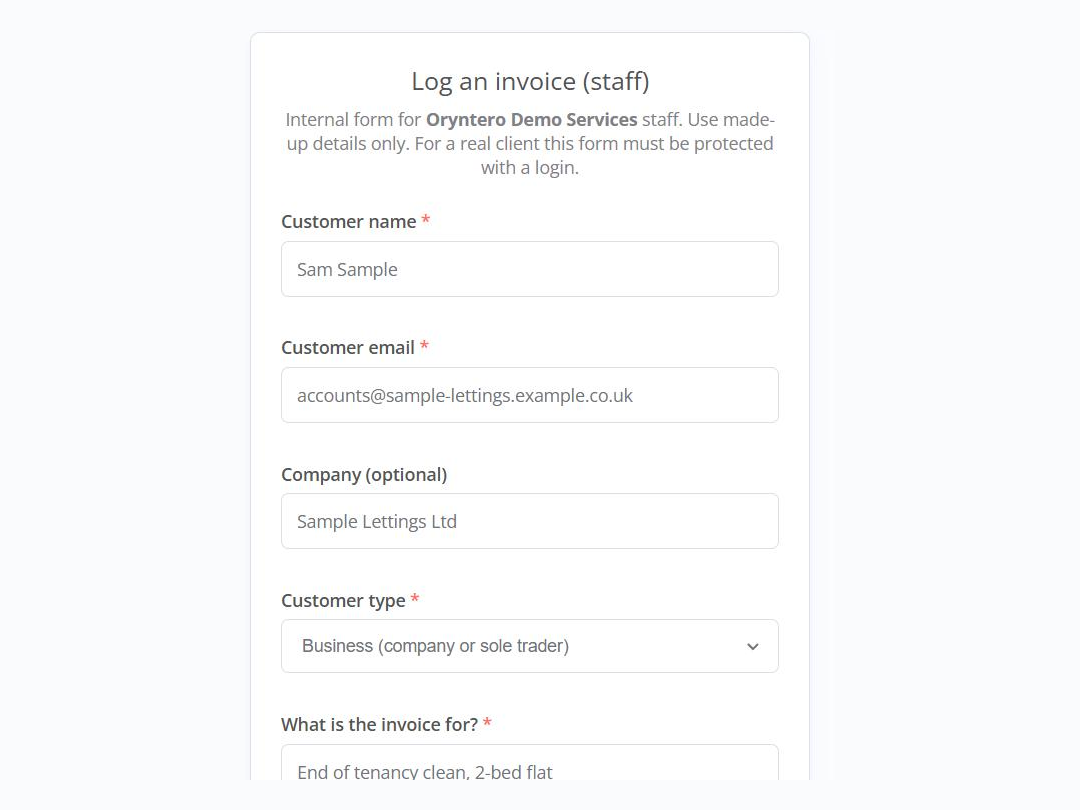
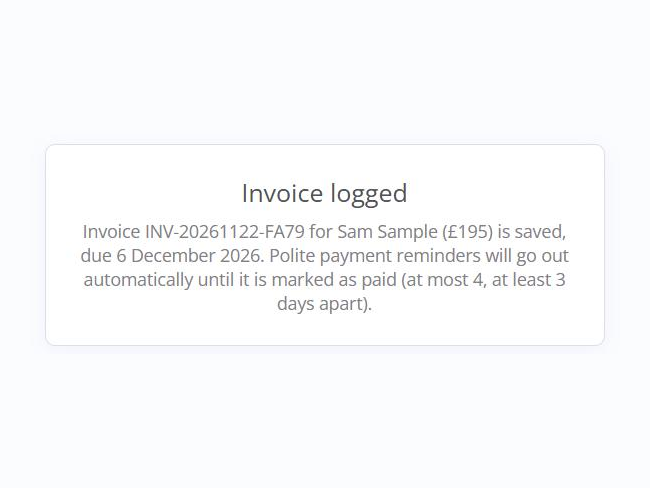
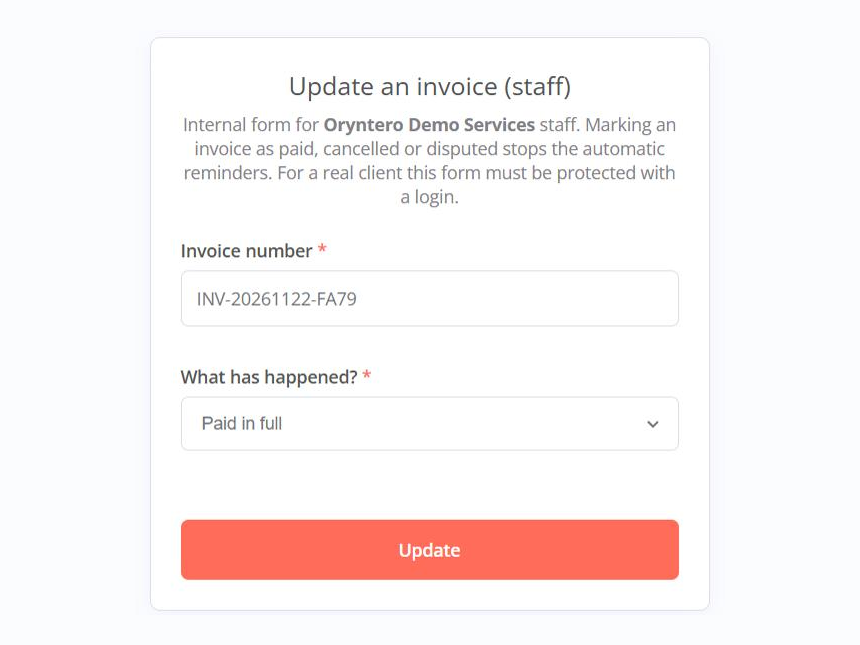
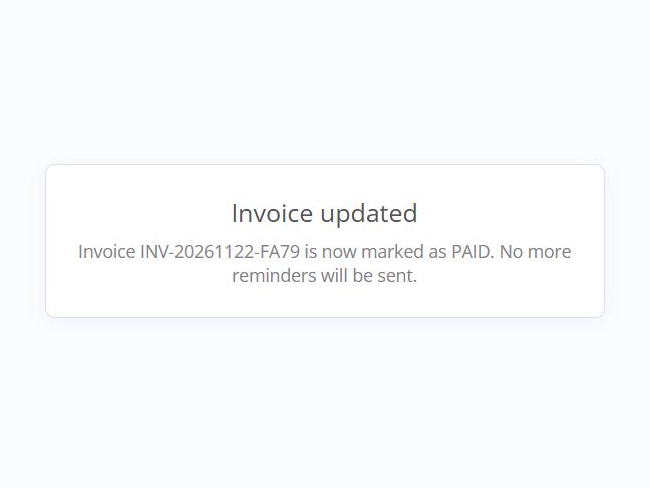
This is an unpublished demo with no customers. Reminders are by email only. It sends the business's own reminders; it doesn't collect debts.
Website contact form connection
A connection between a normal website's contact form and n8n, built for this website. It has been built and tested with simulated data but isn't switched on yet: for now, please email us.
- Sends the form securely to an n8n workflow
- Spam protection: Cloudflare Turnstile, checked on the server, plus a hidden spam trap
- Checks on every field, priority sorting and a verified save
- Clear success and error messages for visitors
- Staff alerts contain no customer personal details
Reliability and data housekeeping
Small background workflows that make the others safer to run.
Error alerts
If a live workflow fails, the owner gets an email about it. The email contains no customer data.
Automatic data clean-up
A nightly job deletes stored data older than 6 months. It currently covers the enquiry demo. Extending it to the newer projects has been built and dry-run tested, and is waiting to be switched on.
Built with privacy in mind
Across these projects:
- We test with fictional data only.
- Customer text is escaped in every email, so it can't run as code.
- Booking emails are service messages only; quote reminders are limited to one, with an opt-out.
- Spam traps are on the forms.
- Run data isn't kept unnecessarily.
- Old personal data in the enquiry demo is deleted after 6 months. Extending this to the booking and quote demos is waiting to be switched on. Invoices are kept, because businesses must keep financial records for tax.
Built with n8n, Gmail and Cloudflare Turnstile.
Want something like this for your business?
Each project is adapted to how your business works. Tell us what you'd like to automate.